01 / READING
Make faint text darker
- Text Contrast offers four levels for low-contrast pages.
- Use it for reading; it is separate from Video Enhance.
 E‑Ink Assistant
Download
E‑Ink Assistant
Download
Adjust text contrast, shadow detail, and color on the e‑ink displays you choose. Your other displays stay unchanged.
macOS 14+ · Apple Silicon / Windows 7–11 · x64
01 / WHAT THE CONTROLS DO
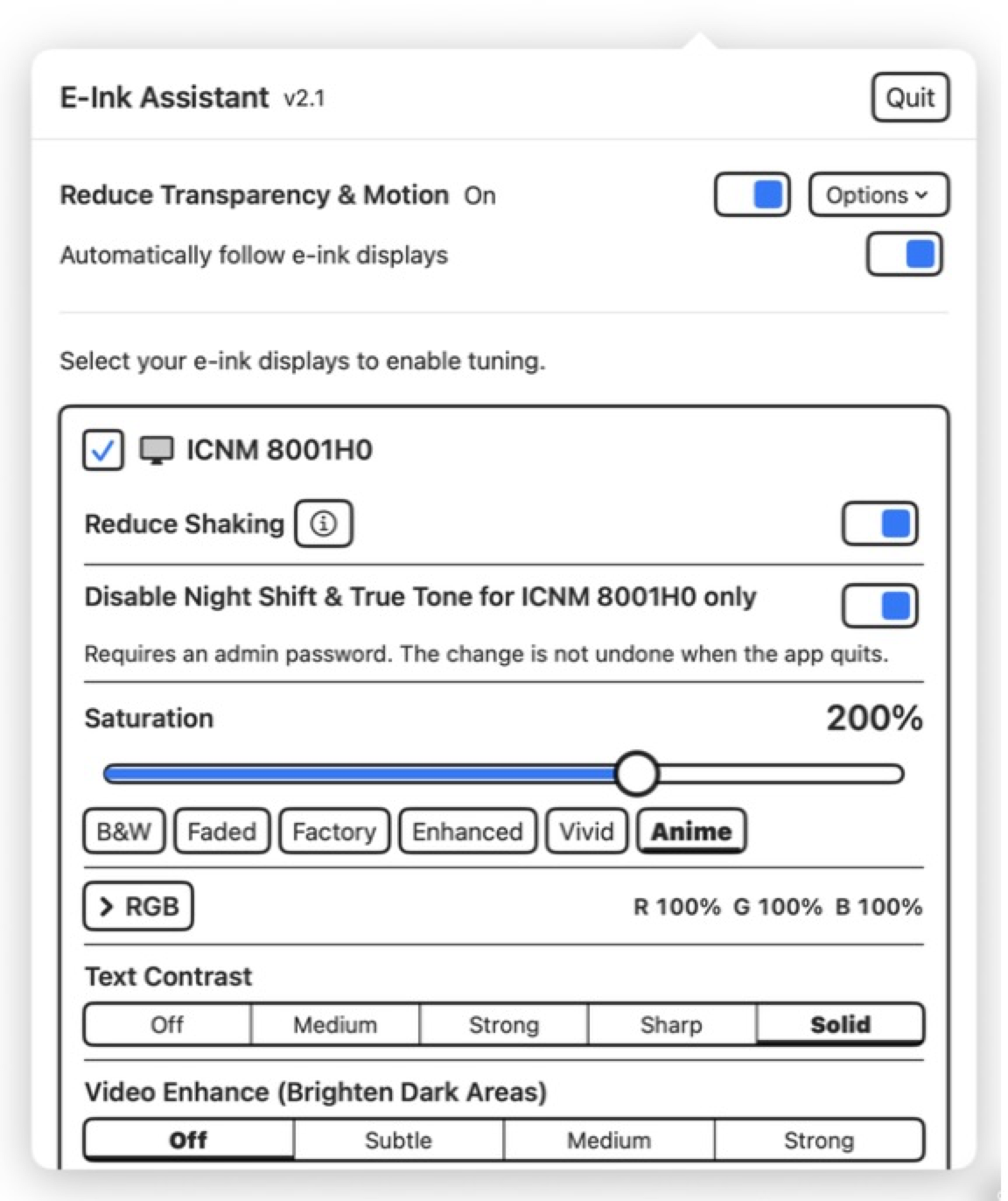
Text Contrast darkens reading pages. Video Enhance reveals dark image detail. Saturation and RGB help color e‑ink panels.
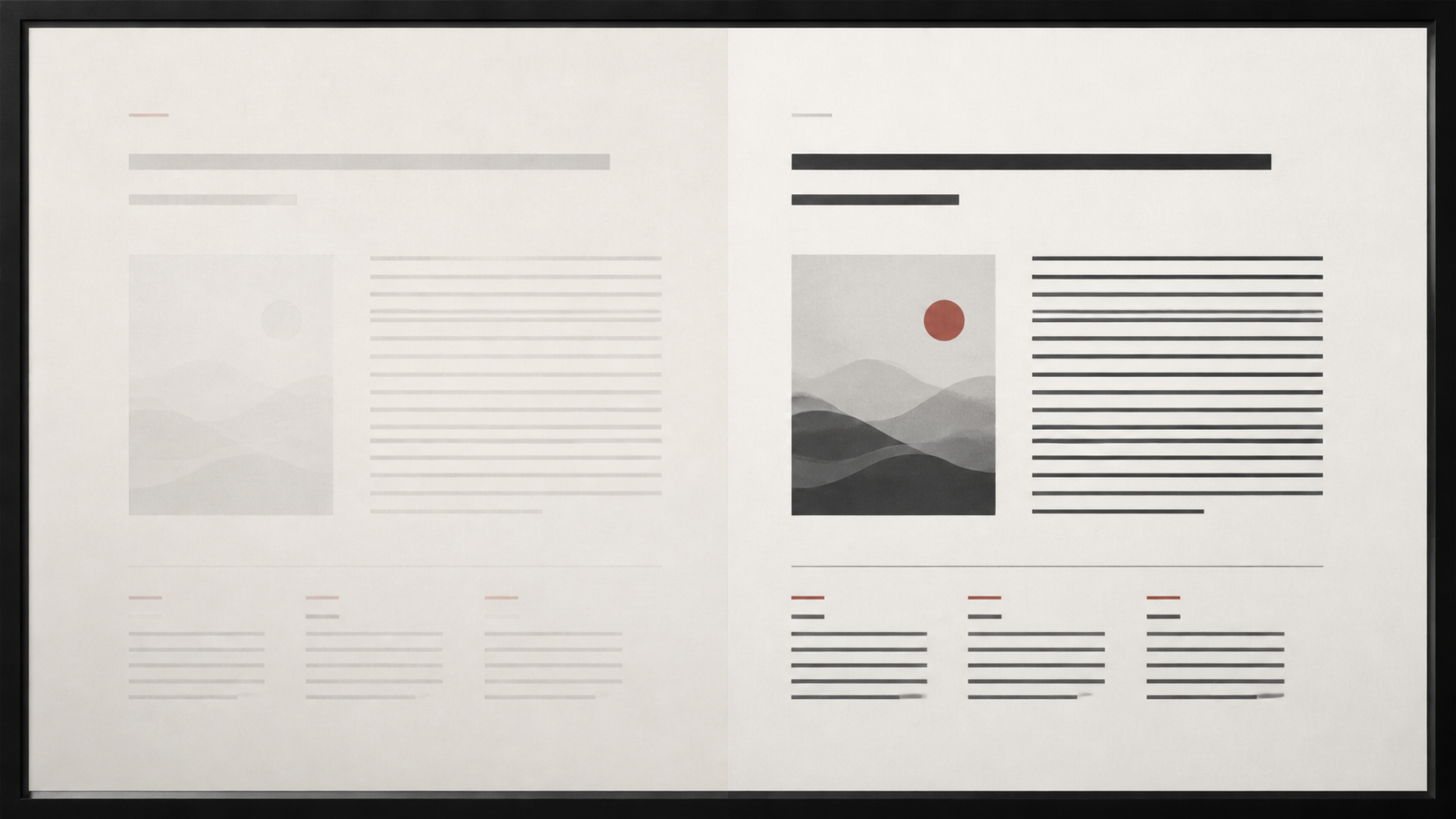
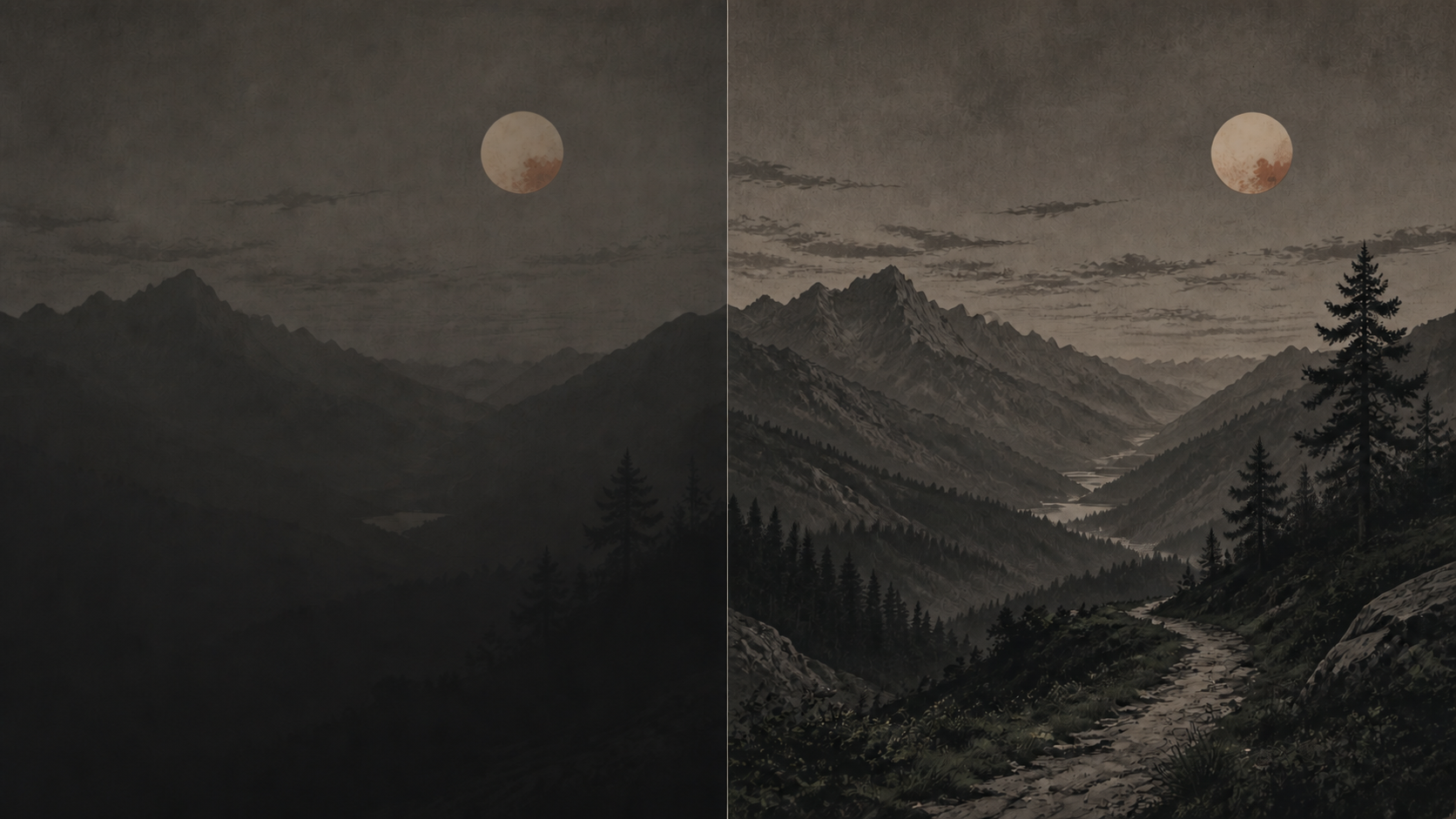
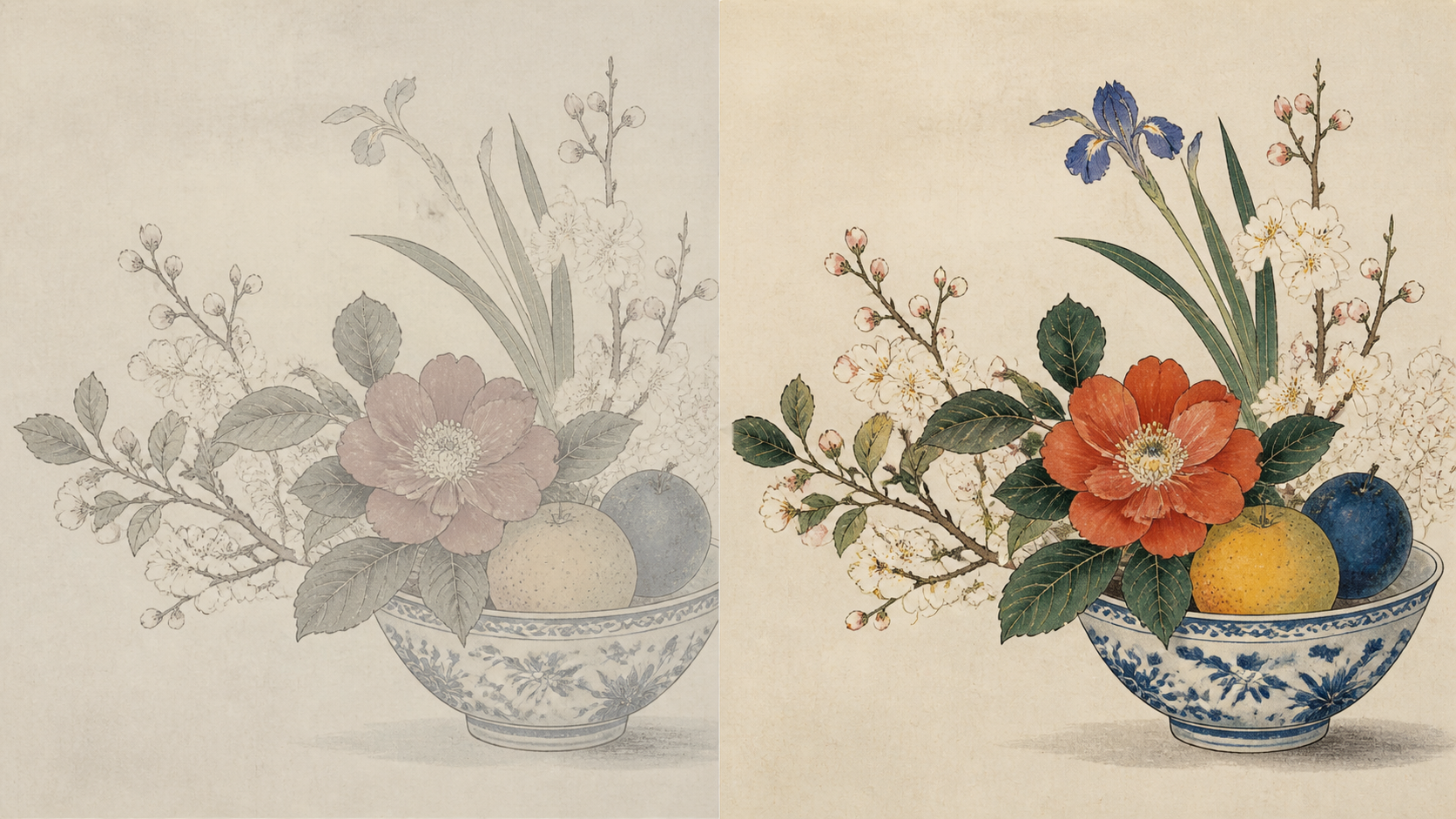
Illustrative previews. Results vary by panel and source material.
02 / FEATURE DETAILS
01 / READING
02 / PHOTOS + VIDEO
03 / COLOR E‑INK
04 / PER DISPLAY
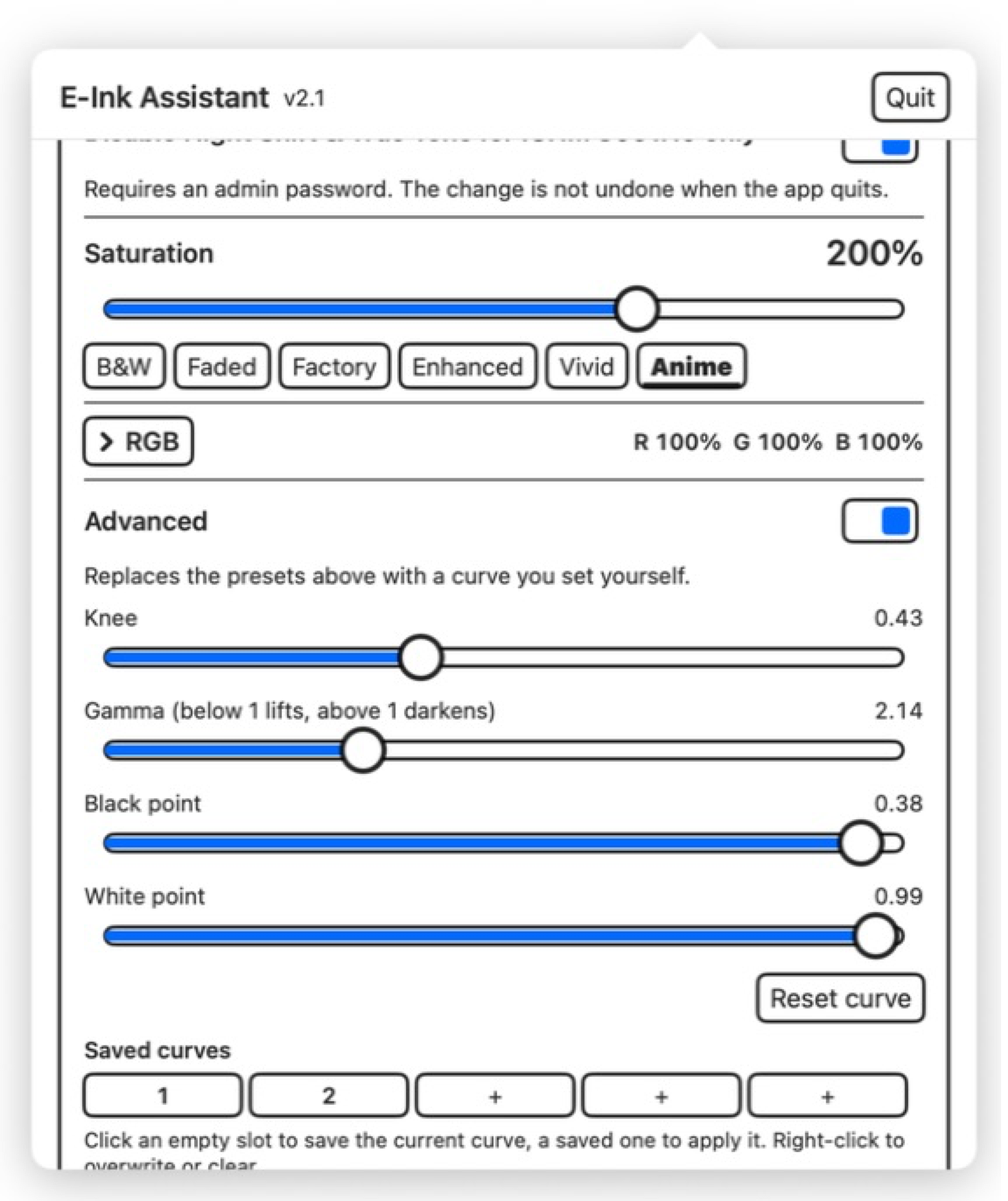
03 / OPTIONAL FINE-TUNING
Change knee, gamma, black point, and white point while viewing the curve.
Save up to five named presets. Settings are stored separately for each display.
| Feature | macOS | Windows |
|---|---|---|
| Supported systems | macOS 14 or later Apple silicon only | Windows 7 SP1 through Windows 11 x64 computers |
| Where the app runs | Menu bar | System tray |
| Choose specific e‑ink displays | Yes. Other displays stay unchanged. | Same as macOS |
| Text Contrast | Four levels: Medium, Strong, Sharp, Solid | Same as macOS |
| Video Enhance | Three levels: Subtle, Medium, Strong | Same as macOS |
| Advanced curve and presets | Live curve editor and five named presets | Same as macOS |
| Saturation and RGB | Per-display color profile; 0%–300% saturation and 0%–200% RGB | Available on applicable Windows 10 2004 and Windows 11 21H2+ systems; the available method depends on the system and hardware |
| Reduce Shaking | Available on supported external displays; turns on when a display is marked as e‑ink | Not available. Windows has no unified public per-display dithering control, and most Windows systems probably do not need it. |
| Reduce Transparency & Motion | Available through a one-time, user-confirmed helper | Available from Windows 7 SP1 through compatible system APIs |
| System light mode | Not changed | Session-only Windows Light Mode on Windows 10 1903+ |
| Night Shift / Night Light | Per-display Night Shift and True Tone exclusion; requires administrator approval and reconnect | Night Light settings from Windows 10 1703+; direct Disable Night Light control on Windows 11 24H2+ |
| Mirrored / duplicated displays | Mirrored physical displays remain individually selectable | Tone curves affect the shared source; Saturation and RGB require Extend mode |
| Restore changes | Temporary curves, color profiles, and dithering restore on quit; the Night Shift / True Tone exclusion is persistent | Temporary gamma, color, visual, and Night Light changes restore on quit; color and Night Light also recover after an abnormal exit |
| Launch at login | Supported | Supported |
| Interface languages in current downloads | 80 languages | Same as macOS |
| Administrator access | Only for the optional Night Shift / True Tone exclusion | Required by the installer and app |
DOWNLOAD
Both versions are free and open source.
macOS 14+ Apple silicon · Windows 7 SP1–11 x64